How to Record a Remote Podcast Guest in Good Quality
The trick to recording a remote guest in good quality is to record each person locally, on their own device, rather than capturing the call audio. A regular video call compresses and degrades sound, so what you hear over the line is not what you want in the final episode. Local recording captures each voice in full quality and you sync them afterwards.
That one idea solves most remote audio problems. The rest is about giving your guest a decent mic, a quiet room, and a stable connection. Let me walk through it.
Record locally, not the call
Tools built for remote recording capture each person's audio and video on their own machine, then upload the clean files. This is called local recording, and it is the single biggest quality difference between a remote episode that sounds good and one that sounds like a phone call.
If you only record the call itself, you are stuck with whatever survived the internet trip: dropouts, robotic patches, and thin compressed sound. Local recording sidesteps all of that. When you are choosing a platform, Riverside vs Zoom for recording podcasts compares the common options.
Prep your guest before the session
Most remote audio problems come from the guest's side, and most are easy to prevent with a short briefing the day before. Send them a simple checklist.
- Use headphones to stop echo from their speakers leaking back into the mic
- Use the best mic they have, even basic wired earbuds with a mic beat a laptop mic
- Sit in a small, soft room, not a large echoey one
- Close other apps and downloads to protect their internet connection
- Connect by ethernet cable if possible, or sit close to the router
- Silence phone notifications and warn others in the house
A two-minute test call before you start recording catches problems while you can still fix them. The same habits that fix your own audio apply to them, so how to reduce echo and background noise is worth sharing with guests.
Protect the connection
A shaky connection causes dropouts and freezes that no editing can fully repair. Ask your guest to use a wired connection where they can. If they must use wifi, sitting close to the router and pausing any large downloads makes a real difference.
On your end, do the same. A stable host connection keeps the recording smooth even if the guest's drops for a moment, since local recording means their audio is saved on their device regardless.
Match your end to studio quality
Here is a thing people forget: your remote guest sounds only as good as the worst end of the conversation. If you are recording from a noisy bedroom on a laptop mic, a perfectly prepped guest still gets dragged down when you cut the two together.
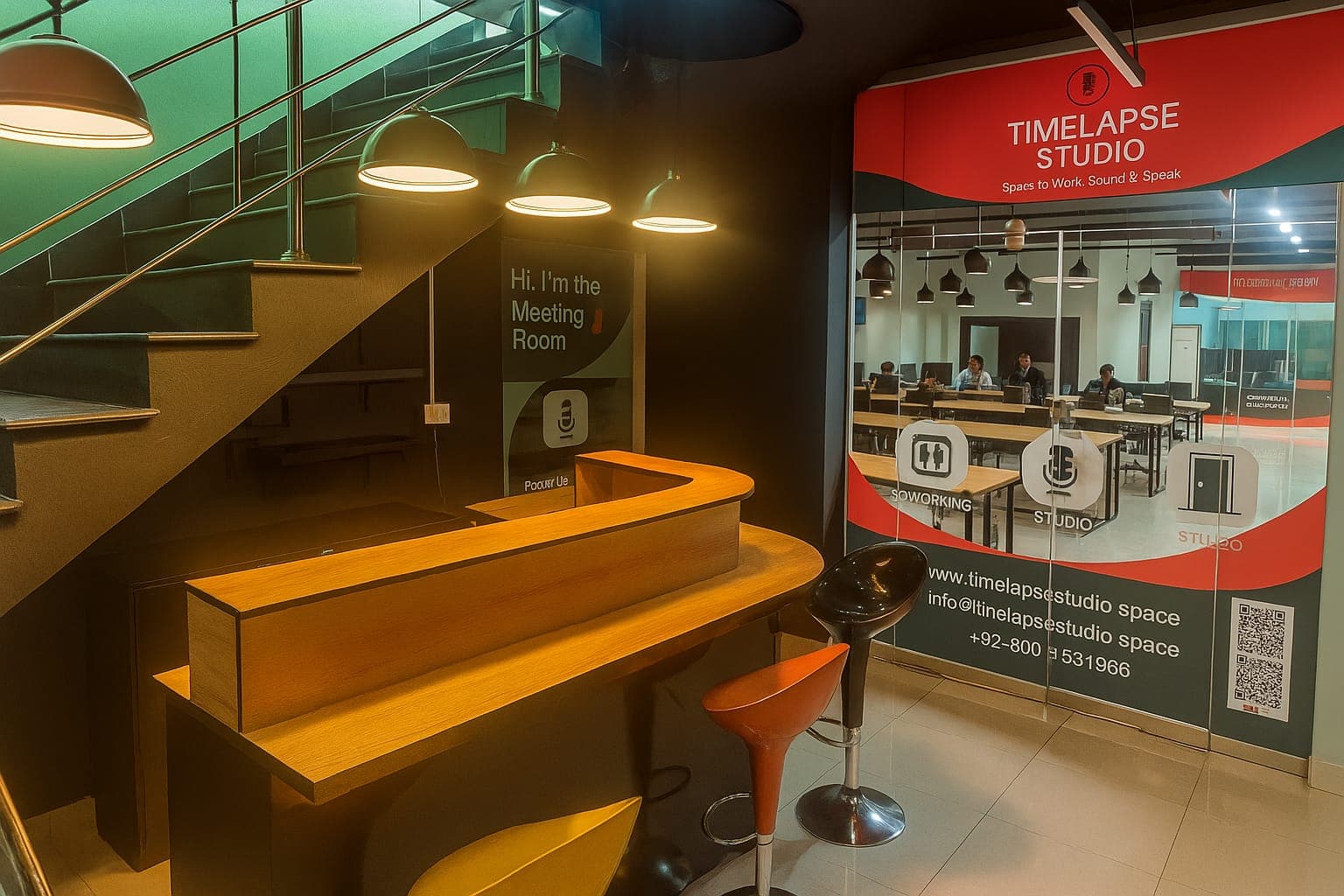
Recording your side in a proper studio fixes that. At Timelapse Studio in Johar Town, you record on broadcast mics in a treated room while your guest joins remotely, so at least half the conversation is locked in at the highest quality. We also handle multi-platform live streaming if you want to broadcast the remote chat live. See live streaming your podcast across platforms for how that works.
| Setup | Audio result |
|---|---|
| Call audio only, laptop mics | Thin, compressed, dropouts |
| Local recording, guest on headphones and decent mic | Clean and usable |
| Host in studio, guest local-recorded | Professional on at least one side |
Editing remote recordings
Once you have the separate audio files, line them up in your editor, trim the dead air at the start, and balance the volume so both voices sit at the same level. A short delay or echo on the guest's side can be nudged into place. Keep both tracks separate as long as possible so you can fix one without touching the other.
Our session pricing starts at Rs 5,000 per hour for audio and Rs 9,000 per hour for video, and you can see the full breakdown on our packages page.
Frequently asked questions
Do both people need good internet for local recording? A stable connection helps the live conversation feel natural, but the recordings are saved on each device, so a brief drop will not ruin the final files. Wired connections are still the safest choice.
What if my guest has no microphone? Wired earbuds with an inline mic, worn close to the mouth, sound far better than a laptop's built-in mic. Ask them to use those and sit in a small, quiet room.
Can I record my remote guest from a studio? Yes. You record your side in the studio on broadcast mics while the guest joins remotely, which locks in professional quality on the host's end and lifts the whole episode.
Recording a remote guest soon? Get in touch on our contact page and we will set up your side properly.
Record at our Lahore studio
Audio and video podcast sessions with the gear and crew handled. Check the pricing or grab a slot.