Pop Filters, Boom Arms and Shock Mounts Explained
Pop filters, boom arms and shock mounts are the three small accessories that sit around your microphone and quietly fix most of the audio problems beginners blame on the mic itself. A pop filter kills the bursts of air from words like "p" and "b". A boom arm holds the mic in front of your mouth so it stays off the desk. A shock mount stops thumps and bumps from travelling up the stand into your recording. None of them are glamorous, but they are the difference between clean audio and audio that sounds like an amateur made it.
If you are setting up a home space or just trying to understand what the studio already has on the table, this covers what each piece does, when you need it, and roughly what it costs in Pakistan.
What a pop filter actually does
When you say a word that starts with "p" or "b", your mouth pushes a quick blast of air out. That blast hits the microphone capsule and makes a loud thump called a plosive. It sounds like the recording briefly distorts or punches the listener in the ear. A pop filter is a screen that sits between your mouth and the mic. It breaks up that fast moving air before it reaches the capsule, so the sound gets through but the air pressure does not.
There are two common types. Nylon mesh filters are the round black screens you have seen on a hoop. They are cheap and work well. Metal mesh filters use a fine steel screen and let a little more high end through, which some people prefer for clarity. Both do the same job. The bigger factor is distance. A pop filter works best when you place it about a hand's width from the mic and speak through it, not when you press your lips against it.
A foam windscreen, the little cap that slides over the mic, is a different thing. It helps outdoors with wind but does much less for plosives indoors. For a podcast desk, a proper pop filter beats a foam cap every time.
Boom arms: getting the mic off the desk
A boom arm is the jointed arm that clamps to your table and holds the mic out in the air. It matters for two reasons. First, it lets you position the mic right in front of your mouth at the correct angle without hunching over a short desk stand. Second, and this is the part people miss, it keeps the mic away from the desk surface, so your typing, your mug, and your fidgeting do not transfer straight into the recording.
Most decent boom arms use internal springs and can hold a mic in place once you set the position. Cheap ones sag over a session or droop the moment you let go. When you are choosing one, the number to check is how much weight it carries. A light USB mic needs very little. A heavy broadcast dynamic mic with a shock mount can weigh over a kilo once everything is attached, so the arm has to be rated for it.
For people recording at home, a boom arm is one of the better upgrades you can make. For everyone else, it is worth knowing that a proper podcast studio already has broadcast arms set up and dialled in, so you sit down and the mic is exactly where it should be.
Shock mounts and why thumps disappear
A shock mount is the cradle, usually a ring of elastic bands or a suspension cage, that the mic sits inside. It isolates the mic from the stand. Without it, every knock on the desk, every footstep, and every adjustment of the arm travels up through the metal and into the capsule as a dull thud. With a shock mount, the elastic absorbs that vibration before it reaches the mic.
You notice the difference most when you bump the table or move the boom arm mid recording. With a shock mount, the listener hears almost nothing. Without one, they hear a thump that you then have to edit out, and editing out low frequency thumps cleanly is annoying.
Shock mounts are mic specific. A mount made for a slim pencil condenser will not hold a fat broadcast dynamic. Most good mics either include a matching mount or sell one as an accessory, so buy the one made for your model rather than a generic clamp.
Do you need all three?
Short answer: for a serious podcast, yes, but they matter in a clear order. Here is how I would rank them by impact.
| Accessory | What it fixes | How much it matters | Rough price in Pakistan |
|---|---|---|---|
| Pop filter | Plosive pops on P and B sounds | High, instantly audible | Rs 800 to Rs 3,000 |
| Boom arm | Mic placement and desk noise | High for comfort and consistency | Rs 3,000 to Rs 12,000 |
| Shock mount | Thumps and vibration through the stand | Medium to high | Rs 1,000 to Rs 6,000 |
If you only buy one thing first, make it a pop filter, because plosives are the most obvious giveaway of a rushed setup. A boom arm comes next for placement and comfort. A shock mount matters more in a room with a lot of foot traffic or a wobbly desk, and less if you sit very still.
For a fuller picture of the rest of the chain, the gear behind a professional podcast walks through mics, interfaces and more. And if you are still picking a mic, the difference between dynamic and condenser microphones decides a lot about how forgiving your room needs to be.
How to set them up correctly
Owning the gear is half of it. Setting it up right is the other half. Here is the order I use.
- Clamp the boom arm to a solid edge of the desk. Test that it does not slide when you push the arm.
- Attach the shock mount to the end of the arm, then seat the mic in the mount. Make sure the mic is held firmly and the elastic is not stretched to its limit.
- Position the mic so it points at your mouth, roughly a fist's distance away. Speak slightly across the front of it rather than straight into it, which softens plosives on its own.
- Clip the pop filter on so it sits a few centimetres in front of the mic, not touching the grille.
- Record a quick test. Say a line full of hard sounds like "Peter packed a box". Listen back on headphones. If you still hear pops, move the pop filter or angle the mic a little off axis.
Two extra habits help more than any accessory. Keep your hands off the desk while talking, and do not move the boom arm during a take. Both create noise that no amount of gear fully removes.
Where the studio option fits
All of this gear costs money and takes trial and error to tune. If you are recording often, buying it makes sense. If you are testing whether podcasting is for you, or you just want a few episodes that sound professional without owning anything, a studio is the simpler route.
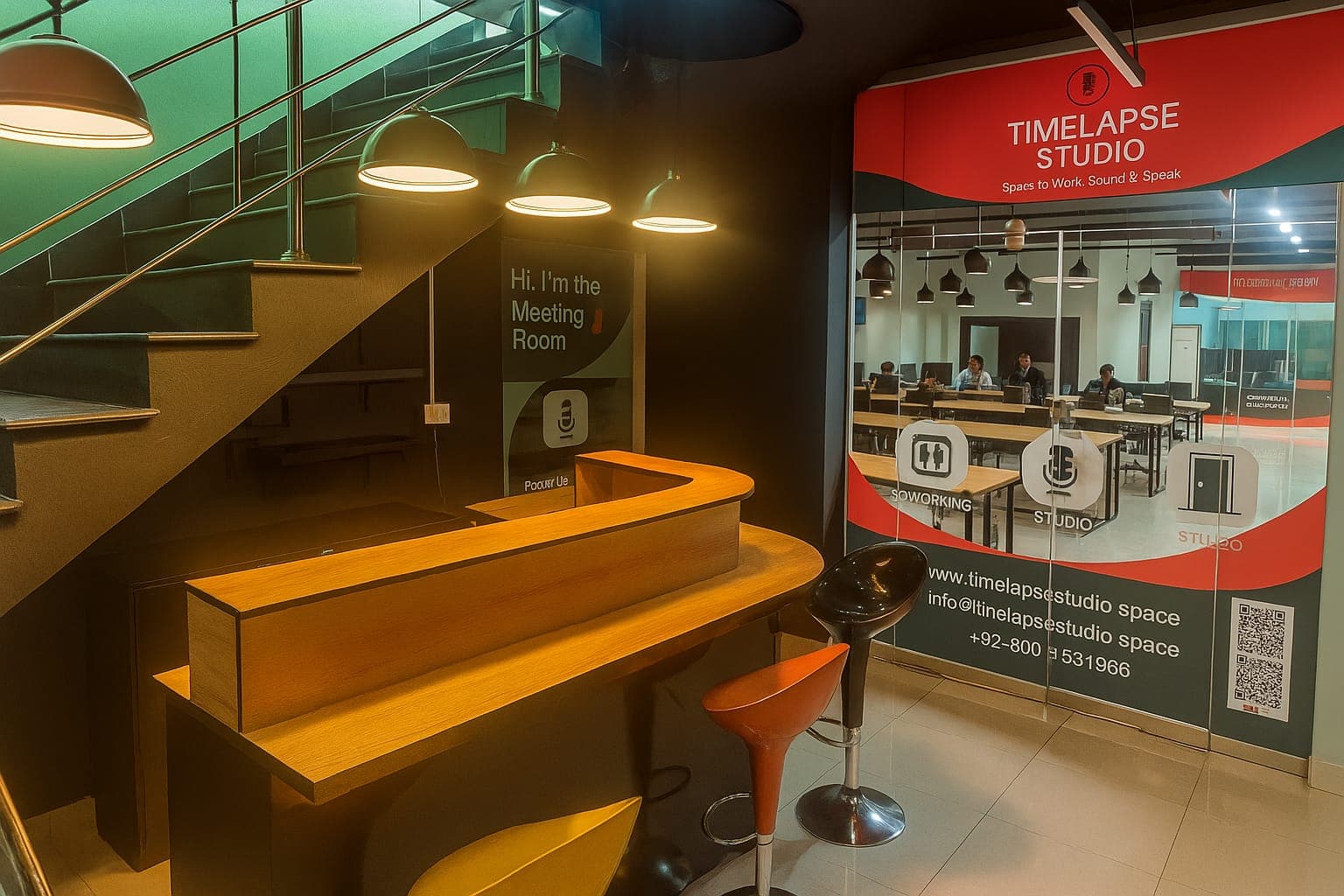
At Timelapse Studio in Johar Town near Emporium Mall, the broadcast mics already sit on tuned boom arms with shock mounts and pop filters in place, so plosives and desk thumps are handled before you arrive. Audio sessions start at Rs 5,000 per hour and video at Rs 9,000 per hour, with up to 30% off for monthly or long term bookings. You can compare the options on the packages page. If you are weighing the home setup against booking time, is a podcast studio worth it versus home lays out the real trade offs.
Frequently asked questions
Do I really need a pop filter if I have a good mic? Yes. A more expensive mic does not stop plosives on its own. The air blast hits any capsule the same way, so even a high end broadcast mic still pops without a filter or good mic technique.
Can I use a foam windscreen instead of a pop filter? Indoors, not really. Foam caps are made for wind outdoors and do little against plosives at a desk. A proper pop filter on a gooseneck works far better for podcasting.
Will any boom arm hold any microphone? No. Check the weight rating. Light USB mics work on almost anything, but a heavy dynamic mic with a metal shock mount can exceed what a cheap arm holds, and the arm will droop or sag.
Do shock mounts have to match the microphone? Usually yes. Shock mounts are sized for specific mic bodies. Buy the mount made for your model rather than a generic one, or the mic may sit loose or not fit at all.
Is it cheaper to buy all this or book a studio? It depends how often you record. A few episodes a year are cheaper to record at a studio. If you publish weekly for a long time, owning the gear pays off, and the cost of recording a podcast in Lahore helps you run the numbers.
Want your audio handled with the gear already set up right? Get in touch to book a session.
Record at our Lahore studio
Audio and video podcast sessions with the gear and crew handled. Check the pricing or grab a slot.