How to Repurpose One Podcast Into Weeks of Content
One good podcast episode can become 10 to 15 separate pieces of content if you plan for it before you hit record. A 45-minute conversation holds short video clips, audio snippets, quote graphics, a blog post, a newsletter and a week of social posts. The trick is treating the recording as raw material, not a finished product, and capturing it cleanly enough that the pieces are worth cutting.
Why repurposing beats making more episodes
Recording more often is the obvious way to fill a content calendar, but it is also the most expensive in time and money. Each new episode means booking a guest, prepping questions, recording, then editing from scratch. Repurposing flips that. You do the hard work once, then spend a fraction of the effort pulling out smaller pieces that each reach a different audience.
There is a discovery angle too. Most people will never click on a 50-minute episode from a creator they have not heard of. They will watch a 30-second clip on Instagram or YouTube Shorts, and if it lands, they go looking for the full thing. Your short-form content is the advertisement for your long-form content. One recording session funds both.
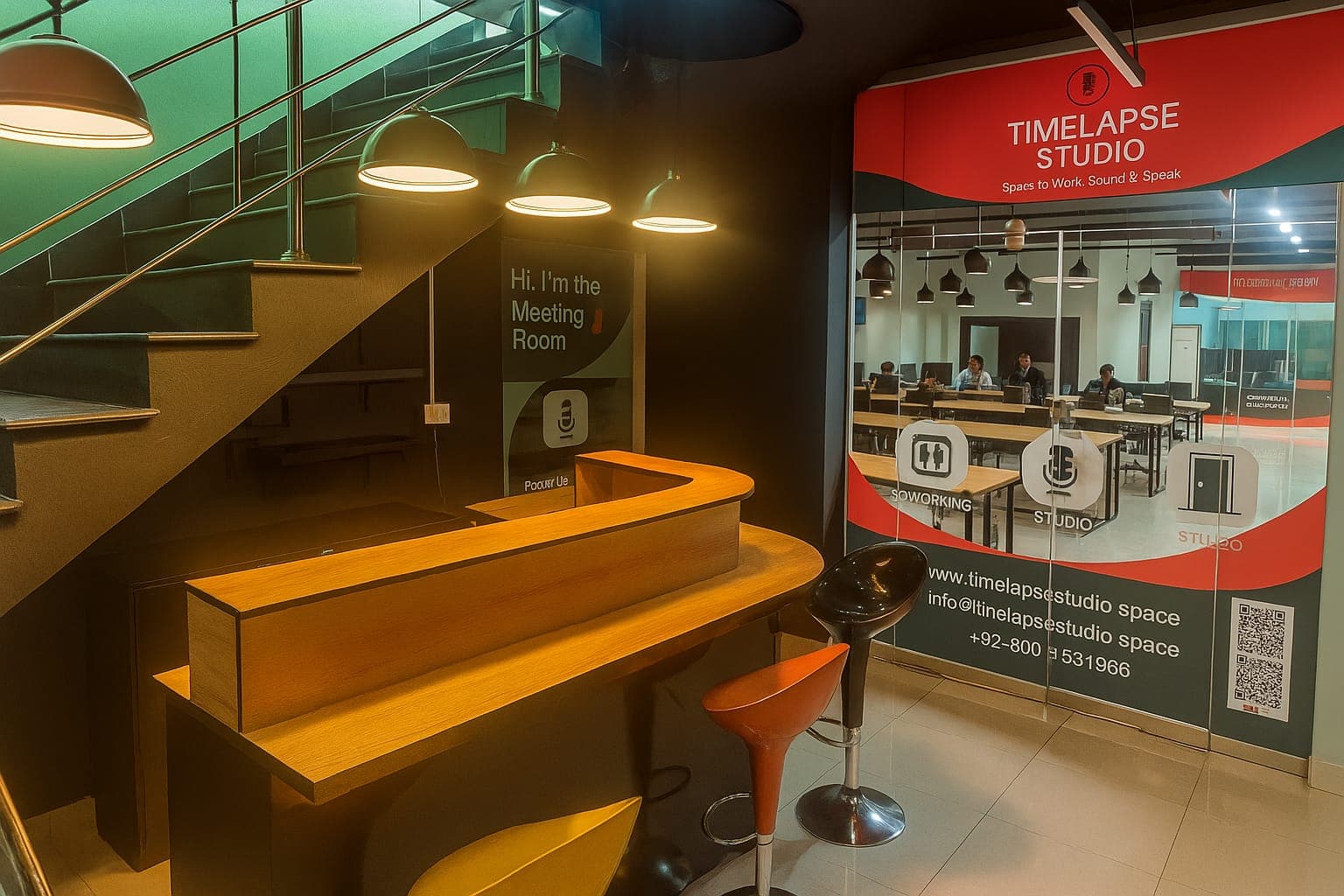
The economics matter in Lahore specifically. If you book a video session at Timelapse Studio from Rs 9,000 per hour, you want every minute of that footage working for you afterward. Walking out with one episode and nothing else is leaving money on the table.
What you can pull from a single episode
Before you record, it helps to know the full menu of what one session can produce. Here is a realistic breakdown for a single 45-minute video podcast episode.
| Output | How many | Where it goes |
|---|---|---|
| Full episode (video) | 1 | YouTube |
| Full episode (audio) | 1 | Spotify, Apple Podcasts |
| Short vertical clips | 4 to 8 | Reels, TikTok, Shorts |
| Audiograms (audio + waveform) | 2 to 3 | Instagram, LinkedIn |
| Quote graphics | 3 to 5 | Instagram, Facebook |
| Blog post or article | 1 | Your website |
| Newsletter section | 1 | Email list |
| Carousel of key points | 1 | Instagram, LinkedIn |
That is comfortably 12 to 20 assets from one sitting. You will not always use every category, but knowing they exist changes how you record.
Record with repurposing in mind
The biggest difference between footage that clips well and footage that does not happens during the recording, not the edit. A few habits make everything afterward easier.
First, shoot video even if you think you only want audio. You can always strip audio out of a video file, but you cannot add a face to an audio-only recording later. professional video gives you angles to cut between, which keeps short clips visually interesting. If you are weighing the two formats, the piece on audio vs video podcasting covers the trade-offs in detail.
Second, get clean separate tracks. When each speaker is on their own microphone and their own track, you can isolate a single good line without the other person talking over it. This is standard at a proper studio and a headache to fix at home.
Third, let your guest finish thoughts cleanly. Train yourself to pause for a second before you jump in. That pause gives the editor a clean cut point, and a self-contained answer becomes a self-contained clip.
Fourth, ask one or two big questions you know will produce a strong 30-second answer. If you go in hoping a clip-worthy moment happens by accident, it usually does not. Set it up on purpose.
A step-by-step repurposing workflow
Once the episode is recorded, work through it in a fixed order so nothing gets missed.
- Watch the full episode once and timestamp the good moments. Note any spot where the energy spikes, a surprising fact lands, or a quote stands on its own. You are looking for 6 to 10 moments.
- Cut the vertical clips first. These take the most effort and have the most upside. Aim for 20 to 60 seconds each, with captions burned in, since most people watch on mute.
- Pull quote graphics from the transcript. Grab the three or four lines that read well on their own and drop them onto a clean branded template.
- Make one or two audiograms for moments that are great audio but weak visually.
- Write the blog post. Use the transcript as your draft, then tidy it into a readable article. This is also your best shot at search traffic, so give it a real title and headings.
- Pull a newsletter section and a carousel from the same notes you already made in step one.
- Schedule everything across two to three weeks instead of dumping it all on launch day.
If you book editing and short-form clips as add-ons, steps two through four can be handled for you. That detail and the rest of the pricing sit on the packages page.
Turning clips into a posting schedule
Producing the content is only half the job. Spreading it out is what keeps your feed alive between episodes. A single episode can carry roughly two weeks of posts if you pace it.
A simple rhythm: publish the full episode on day one, then release one clip every two or three days, with a quote graphic or carousel filling the gaps. By the time you run low, your next recording session is due. This is how creators who post daily are not actually filming daily. They are draining one well slowly. The deeper version of this lives in the guide on turning one episode into ten clips.
Pay attention to which clips perform. After a few weeks you will see patterns, certain topics, certain guests, a certain length. Lean into what works and stop forcing what does not. The post on growing your podcast audience in Pakistan goes into how to read those signals.
Matching the format to each platform
The same clip rarely works everywhere without small tweaks. A 60-second vertical video is right for Reels and TikTok but might run long for a hook-driven Shorts audience. LinkedIn rewards a clear caption and a slower, more thoughtful tone. Instagram leans visual and fast.
You do not need to reshoot anything. You just trim and reframe. A horizontal YouTube clip can be cropped to vertical for Reels. An audiogram works on LinkedIn and Instagram both. The footage is the same; only the packaging changes. If you are starting from zero and want the full launch picture, how to start a podcast in Pakistan lays out the foundations this all sits on.
What it costs to do this properly in Lahore
You can repurpose for free with your own time and basic editing apps. The cost is hours, and the quality ceiling is lower. Paying for help raises both the polish and the speed.
At Timelapse Studio, audio sessions start at Rs 5,000 per hour and video at Rs 9,000 per hour, with editing and short-form clips available as add-ons so you walk out with cut content rather than raw files. The Creator Pro option at Rs 15,000 per hour is built for people who want the full package handled. Monthly and long-term bookings get up to 30 percent off, which makes sense if you are recording regularly and want a steady content supply. You can see the full studio setup on the podcast studio page.
The studio sits in Johar Town near Emporium Mall and is open Mon–Fri 9 AM–10 PM; Sat 11 AM–9 PM; Sun closed, so you can record around a day job and still get clips back. For a closer look at the local rates, the breakdown of recording costs in Lahore is worth a read.
Frequently asked questions
How many clips should I make from one episode? Aim for four to eight strong vertical clips plus a handful of quote graphics and one audiogram. Quality beats quantity, so it is better to post six clips that land than fifteen that nobody finishes.
Do I need video to repurpose well? Video gives you far more options, including vertical clips and quote moments with a face on screen. You can still repurpose audio into audiograms and written posts, but video opens up the high-performing short-form formats.
How long should each short clip be? Most platforms reward 20 to 60 seconds. Lead with the strongest line in the first three seconds, since that is what decides whether someone keeps watching.
Can the studio handle the editing for me? Yes. Editing and short-form clips are available as add-ons at Timelapse Studio, so you can record and receive cut content instead of doing the editing yourself. Ask about it when you book.
How far apart should I post the repurposed content? Spread it across two to three weeks, roughly one clip every two or three days with graphics in between. That keeps your feed active until your next recording is ready.
Book a session and get clips, audio and a full episode from one sitting by reaching out on the contact page.
Record at our Lahore studio
Audio and video podcast sessions with the gear and crew handled. Check the pricing or grab a slot.